
A recorded talk is mostly not clip material, and that is normal
A fifty-minute conference session usually holds five or six genuinely strong minutes: the argument stated plainly, the counter-example, the answer to the sharpest question. The rest is setup, housekeeping and repetition — necessary in the room, weak on its own. This is why processing the whole recording is the wrong instinct. Mark the stretch you would replay, and only that is downloaded, processed and charged. If you are wrong about where it is, cutting more clips from the same processed stretch costs nothing further.
The Q&A is usually where the clips are
Prepared remarks are written to build. Answers are written by the question, which means they tend to start and finish on their own — the exact property a short clip needs. If you are new to clipping your own talks, start at the Q&A rather than the opening, and look for the answer where the speaker restates the question before answering it. That restatement is your first three seconds, already written.
Slides on screen change the crop decision
When the frame is a speaker, cropping to 9:16 and holding the face is right — face detection does that here rather than taking the middle, which on a lectern recording is frequently an empty podium. When the frame is a slide, a diagram or a screen share, cropping cuts the content itself and the right answer is to letterbox with a blurred backdrop instead. Deciding this per clip rather than per video is what separates a talk that clips well from one that looks broken.
Names, jargon and acronyms are where captions fail
General transcription mishears exactly the words a specialist audience is watching for: a researcher’s name, a chemical, an acronym, a framework. Burned-in captions are timed to the word here and you read every line on the finished frame before anything publishes — which matters more for a technical talk than for casual speech, because a misheard term does not read as a typo, it reads as the speaker not knowing their field.
If the talk represents an organisation, review is not optional
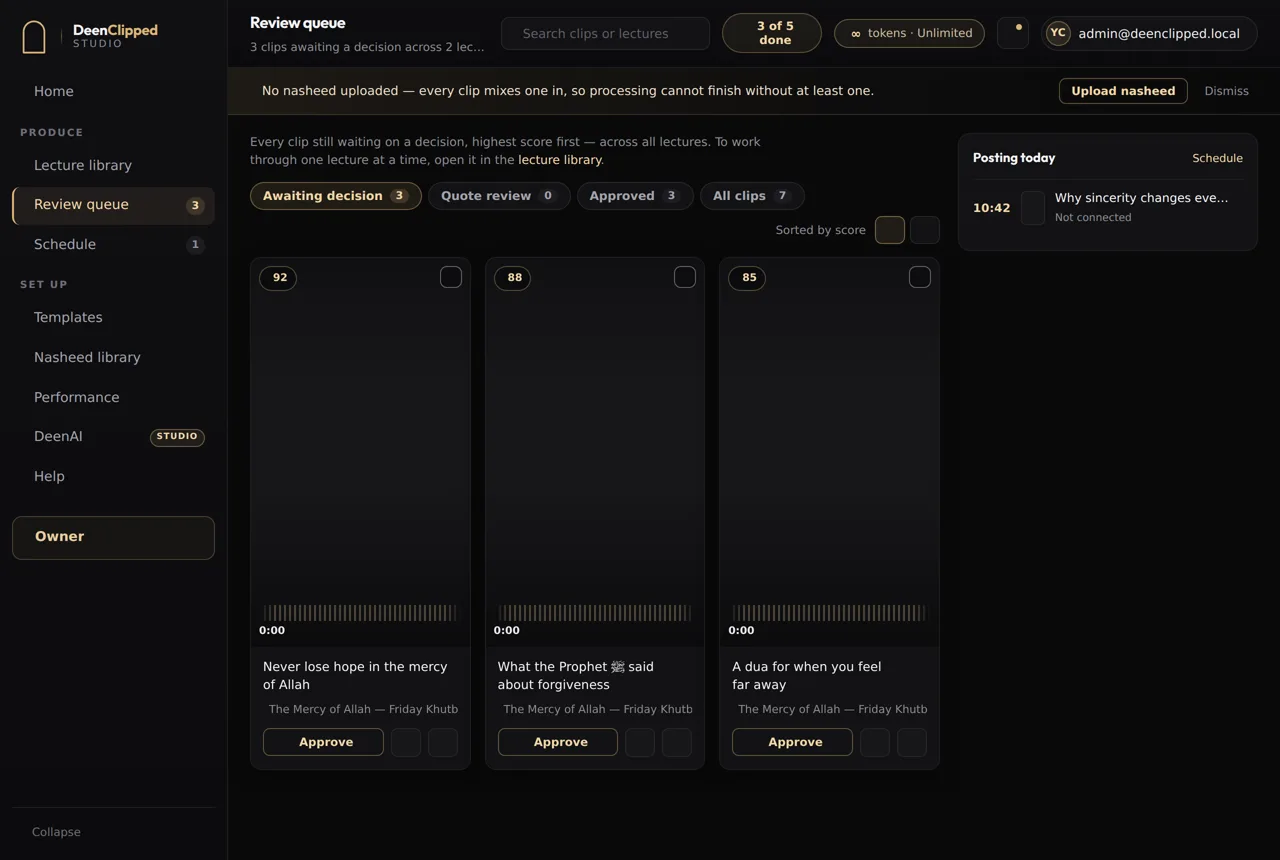
A clip from a conference or a course carries the speaker’s name and often an institution’s. Every clip here waits in a review queue for a person, and there is no setting that skips it — you watch the rendered file, the exact bytes that would publish, with the model’s reason for choosing that moment beside it. Approve, reject, or send it back.
Questions
How do I clip a long lecture into short videos?
Choose the minutes worth clipping rather than processing the whole recording, and DeenClipped transcribes that stretch with word-level timings, scores the complete moments inside it and renders vertical clips with burned-in captions for you to review.
How long should a lecture clip be?
As long as the point takes. A complete idea in twenty-five seconds beats the same idea padded to a minute, because watch-through matters more than length and the padding is where people leave. Let the end of the thought decide the end of the clip.
Can it handle a talk with slides?
It crops to the speaker with face detection, which suits a talking-head recording. Where the slide itself is the content, cropping would cut it — that is a case for letterboxing with a blurred backdrop, which is a per-clip decision rather than a per-video one.
What does it cost to clip a one-hour talk?
You are charged for the source minutes you select, at one token per minute, not for the length of the file. Marking eight minutes of a sixty-minute recording costs eight. Cutting more clips from that processed stretch, re-rendering them or changing their template costs nothing further.
Basic includes the whole workflow.
Import a source, generate clips, review every one and publish to your own connected channels. Upgrade when you need more.