Why one language pass gets a mixed lecture wrong
Most transcription detects one language from the opening seconds and applies it to the whole file. An English talk that breaks into a passage of recitation gets that Arabic written out as Latin nonsense, and once that has happened nothing downstream can tell it was ever Arabic. No Arabic typeface. No ayah match. No translation line. DeenClipped's auto-detect is multilingual and switches per segment, so the language can change in the middle of a lecture and the captions change with it. If a talk really is one language, pin it: English, Arabic or Urdu.
The English line comes from a second pass over the same audio
The first pass stays a transcription, because the Arabic words are what goes on screen and what the Quran matcher searches with; translating them away would cost both. So the audio is read a second time as a translate pass, and each English line is laid under the speech it covers, matched by time, because the two passes break the audio into different segments. It only runs when Arabic was actually transcribed. What lands on screen is the Arabic phrase with its English directly beneath it, the two moving together as one caption.
Amiri for the Arabic, burned in with libass
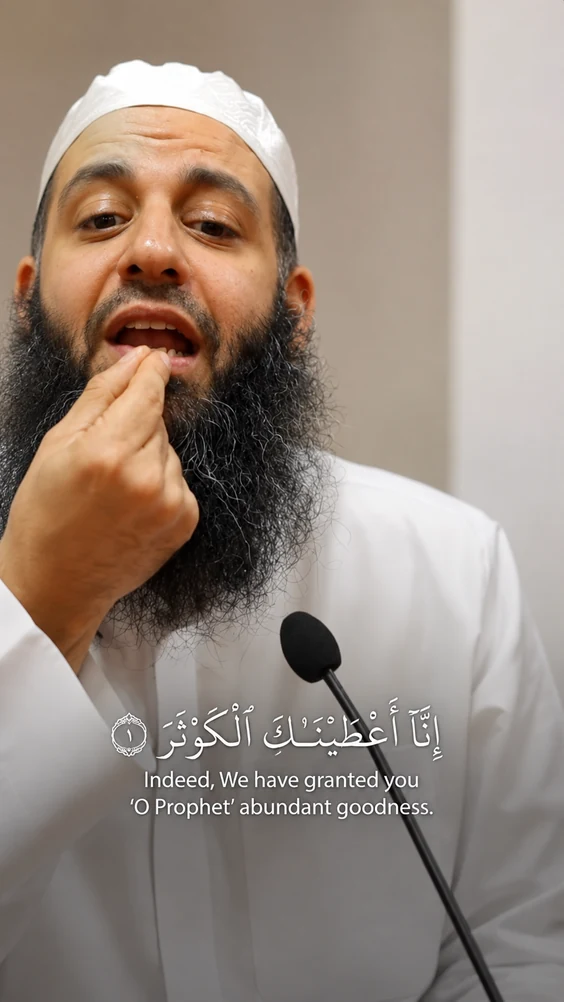
Arabic and English captions are burned into the video with libass, timed to the words from the transcript's word-level timings. Nothing ships as a separate subtitle file a platform can ignore or restyle. Arabic is set in Amiri, a revival of the naskh used in printed mushafs, rather than whatever the renderer would otherwise fall back to. Caption mode is per template: word-by-word, karaoke, phrase or stacked lines, across Bold Stack, Clean Line, Headline, Mono Minimal and Quran Recitation. The English sits directly under the Arabic phrase it translates, so it cannot drift onto the wrong line.
Recited scripture is not treated as speech
Recited Quran and ordinary Arabic speech are different problems. Recitation is matched against a 6,236-ayah corpus and drawn as the ayah itself with its translation, never as a transcription of it. The speaker's own Arabic, an aside or an explanation, gets the Arabic line with English beneath instead. The Quran Recitation template goes further: it captions scripture and nothing else, because a half-heard aside in the lecture face under a verse is what made those clips look wrong. Any clip containing scripture is flagged QUOTE_RISK and forced into human review. That never bypasses.
You watch the clip before it goes anywhere
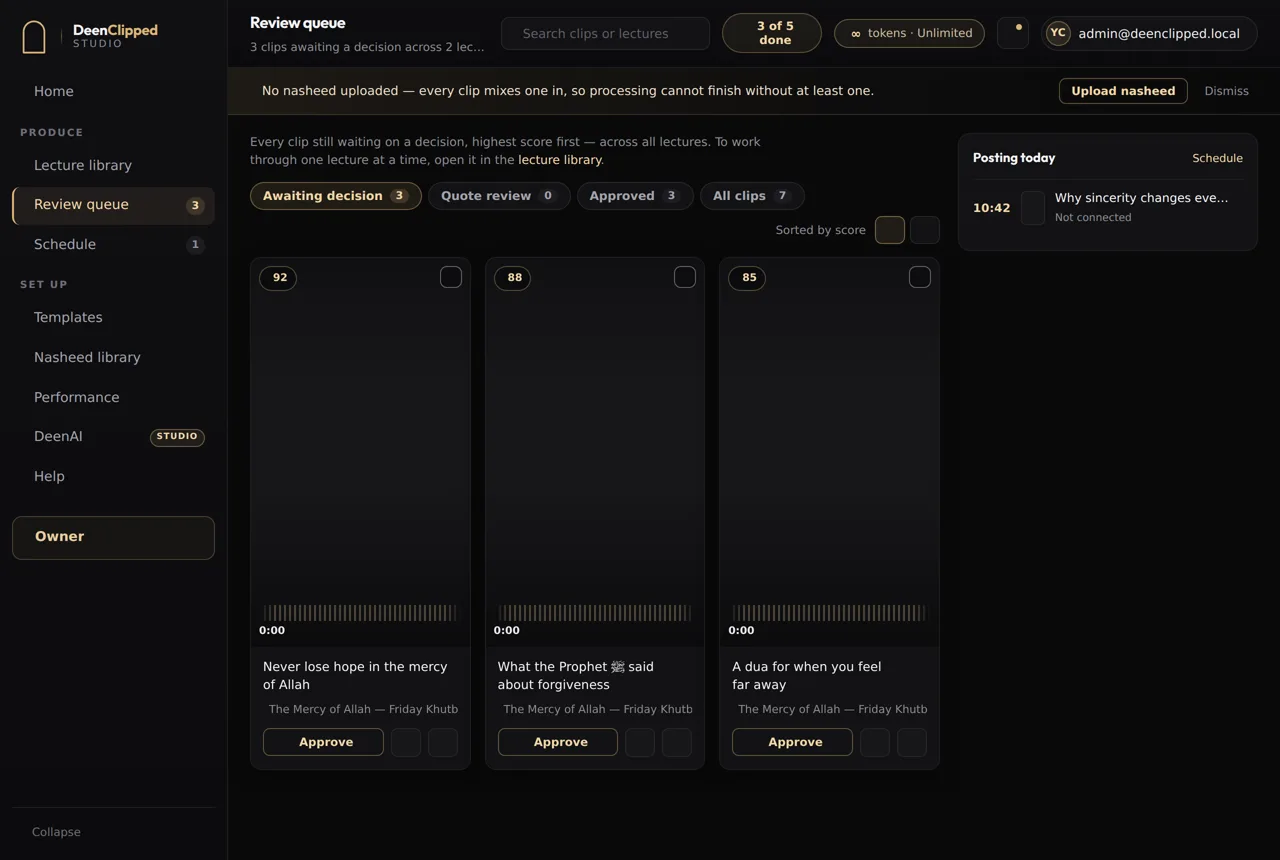
Every clip lands in a review queue and waits for a person. You watch the rendered clip, the exact file that would post with the captions burned in, alongside its score and the model's reasons: complete ending, question hook, stands alone. Approve, reject or send it back, with keyboard shortcuts for the decisions you make most. Approved clips go into posting windows, four a day and eight on Studio, then out to your connected YouTube, TikTok, Instagram and Facebook accounts. Each destination reports its own state, so one platform refusing does not mark the clip failed.
Questions
Can I pin the language instead of using auto-detect?
Yes. Set the job to English, Arabic or Urdu and that is what the transcription is told, exactly as before. Auto-detect exists for the mixed case: a lecture in English that breaks into Arabic, or the other way round. Pinning is the better answer when a talk really is one language throughout, because there is nothing for per-segment detection to get wrong.
Do English-only clips get a translation line too?
No. English captions as it always did, one line, in the caption mode your template uses. The second pass only fires when Arabic was actually transcribed, and the English line is only drawn under Arabic that is not scripture. A clip with no Arabic in it renders exactly as it would have without any of this.
What happens if the speaker recites Quran mid-sentence?
That stretch is matched against the 6,236-ayah corpus and rendered as the ayah with its translation, rather than as a transcription of it. The Arabic from the transcript is used as the search query, never as the caption on screen. The clip is then flagged QUOTE_RISK, which forces it into human review; it cannot be auto-approved, whatever your automation settings say.
What does captioning a lecture cost?
One token is one source minute, and you are charged for the stretch you select, not the whole video. The minimum selectable range is 30 seconds. Basic is free: 40 tokens across a 7-day trial. Re-rendering a clip and cutting more clips from the same lecture never cost extra tokens, and a failed render is never charged.
Basic includes the whole workflow.
Import a source, generate clips, review every one and publish to your own connected channels. Upgrade when you need more.