
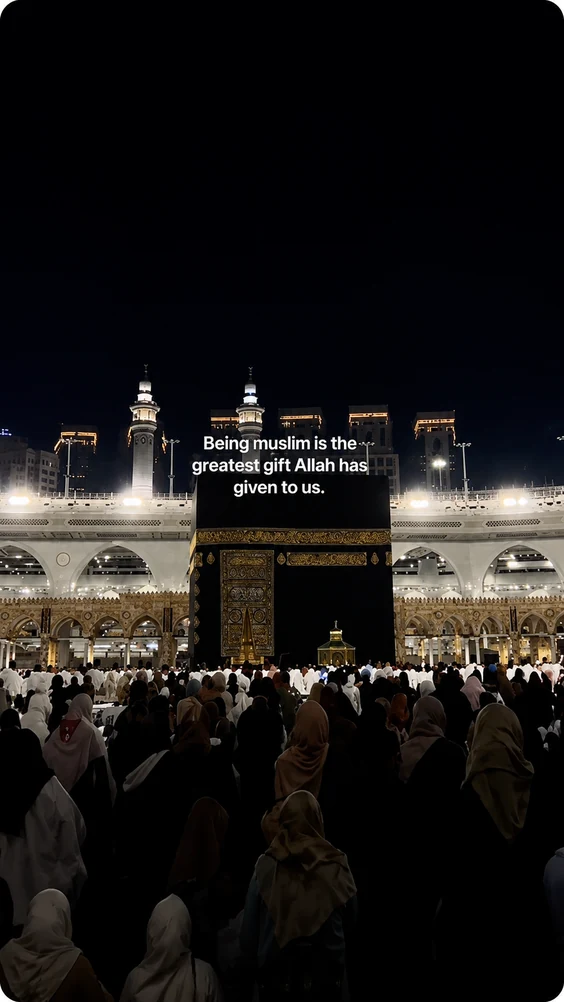
 Basic
BasicClean Line
One centred line low in the frame, designed to stay out of the lecture.
DeenClipped finds the strongest complete moments in a long lecture, renders vertical clips with English, Arabic or ayah-and-translation captions, and holds every one for your approval before anything publishes.
Start with 40 source minutes for 7 days. No card details are stored by DeenClipped.
The whole lecture is transcribed, then searched for complete thoughts — a point with its ending still attached, a question with its answer. Each candidate is scored, and the reasons travel with it into review.
Cuts land on a complete idea, never on a timer — and the strongest one continues below.
A supported video link, or an MP4/MOV you have the rights to. Nothing else is asked for yet.
The choice that changes the whole pipeline — a khutbah and scripture are not processed the same way.
Only the stretch you select is downloaded and charged.
The stretch is transcribed and searched for whole ideas — each candidate scored and explained.
The queue plays the exact rendered file. Scripture is force-held for a person, whatever the automation says.
 86 · complete endingApproved
Five templates. A change re-renders only clips still waiting — approved renders are never touched.

Approved clips fill your posting windows. Every destination answers separately.
Every clipper can find a moment in a lecture. What separates them is what happens when the speaker begins to recite.

Inna a'taynaka al kawthar
Al-Kawthar · 108:1
Inside a single clip the treatment changes per segment: recited scripture becomes the ayah and its translation, other Arabic is captioned in Arabic with an English line beneath it, and English is captioned as English.
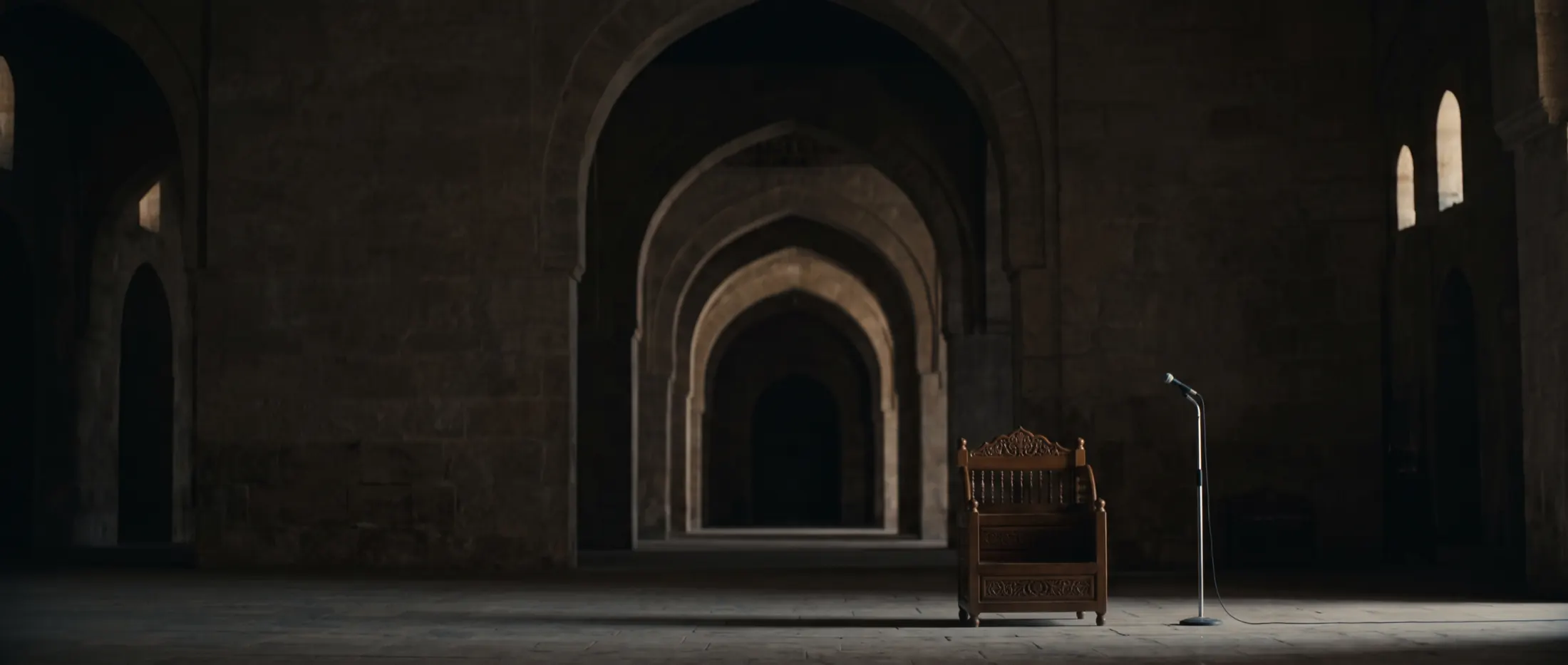
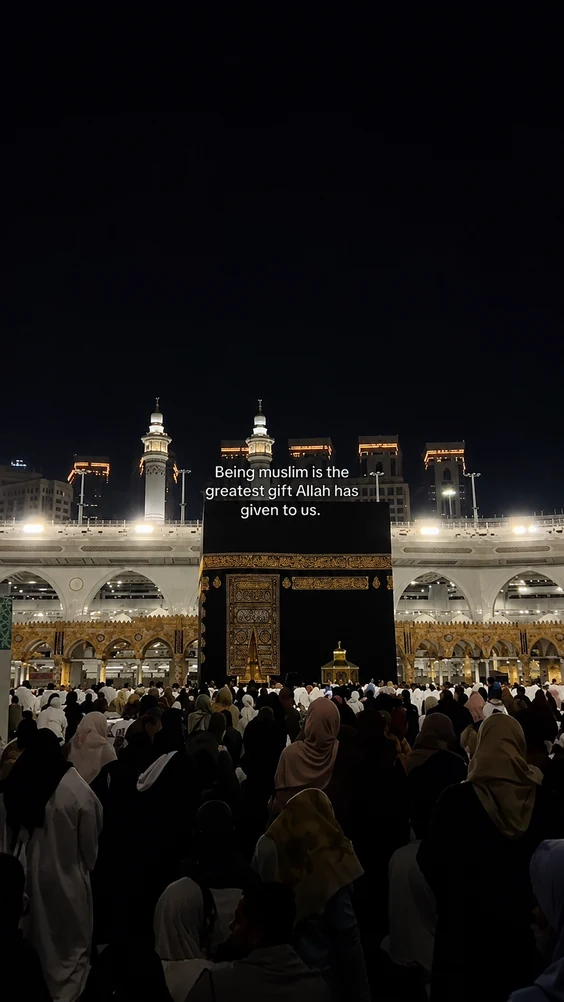
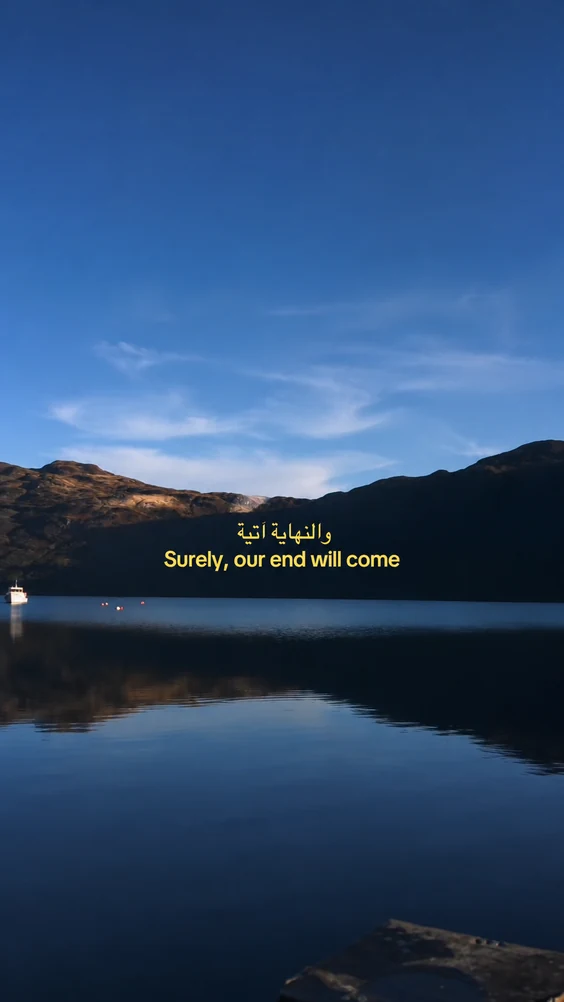
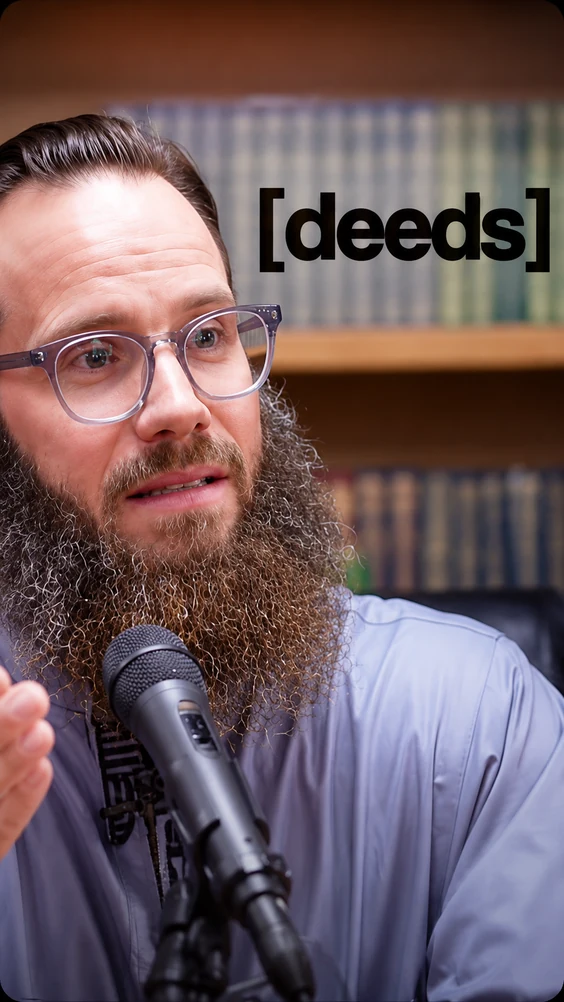
Every preview below uses the existing photographic Islamic reel library. Basic starts with Clean Line; Pro unlocks the complete catalogue.
BasicOne centred line low in the frame, designed to stay out of the lecture.
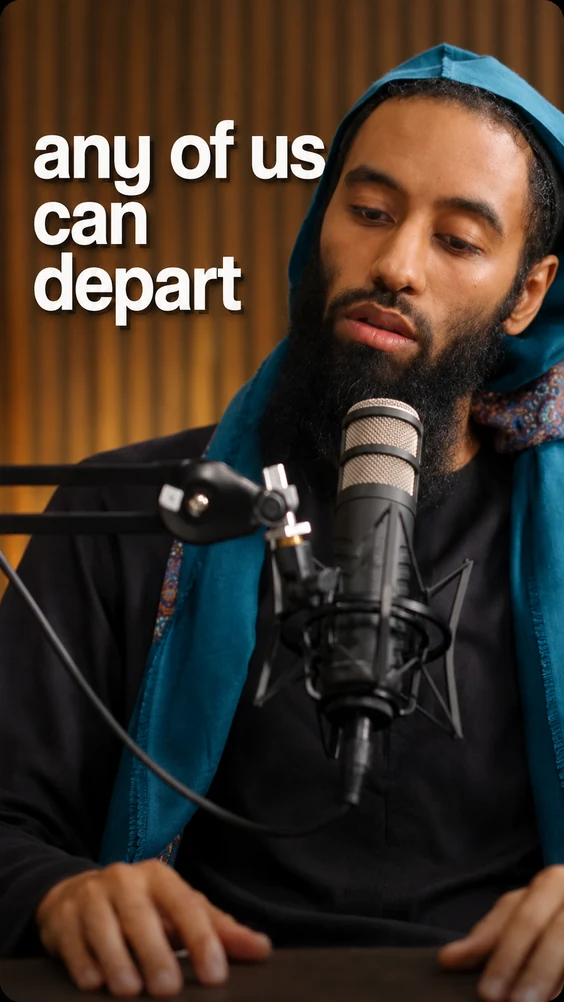
ProLarge stacked words build behind the speaker and clear as the thought moves.
 Pro
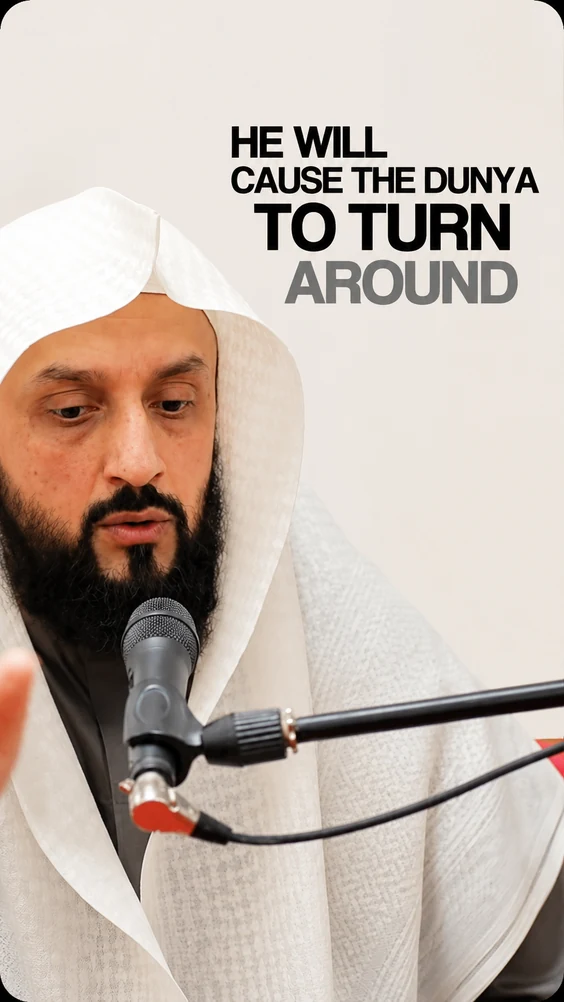
ProCinematic uppercase lines with the next phrase waiting quietly behind.
 Pro
ProA grainy monochrome grade with one quiet word at a time.
ProMatched ayah text in a mushaf face with its translation beneath it.
Quran Recitation is deliberately different. It matches recitation to the Quran corpus, shows the ayah and translation, keeps nasheed off and always requires human review.
A clip containing recited Qur'an cannot pass automatic publishing. It waits for a person, whatever the automation settings say.
A success on one platform and a refusal on another stay separate, and the failed leg is retried on its own.
Turning a clip down spends no tokens. The source minutes were paid once, and more candidates can be cut from them.
Pro turns your own approvals, projects and posting history into countable insights. Studio adds Ask DeenAI, answered by the private model on the DeenClipped processing server — transcription and moment-picking already run there, so your lectures never leave it for a third-party AI provider.
Start with clips still awaiting review, then check the destination showing refusals before filling the next schedule window.
Feature preview — advice uses account figures and kept titles, never a transcript.
One token represents one selected source-video minute. Reviewing, ordinary re-renders and cutting more clips from the processed source do not spend that source time again.
Yearly pricing includes two months free
Prices shown in Australian dollars. Stripe charges you in USD at checkout, at its own rate.
Try the whole studio for 7 days.
Everything you need to publish consistently.
Ask DeenAI, jump the queue, post more every day.
DeenClipped turns long lectures and videos into short-form clips, gives you a review queue, captions and templates, then helps publish or schedule the clips you approve.
Auto-detect can switch between English and Arabic by segment. Recited scripture is matched for an ayah-and-translation treatment and is always held for human review before publishing.
Yes, on a laptop-width screen. It trims a clip, cuts sections out of the middle, edits caption words and repositions captions, and every change is rendered into the clip on Save. It is not a frame-level editor: there are no overlays, extra media or keyframes.
Pro includes insights calculated from your own projects and clips. Studio adds Ask DeenAI, answered by the private model on the DeenClipped processing server rather than a hosted consumer chatbot.
Yes. Each DeenClipped user connects their own supported accounts. Platform and app-review rules still determine which destinations and visibility options are available.
One token represents one selected source-video minute. You see the estimate before confirming; review, ordinary re-renders and making more clips from the same processed source do not charge that source time again.
Choose a range, generate the clips and decide what is worth publishing before anything reaches your channels.