Range-based import
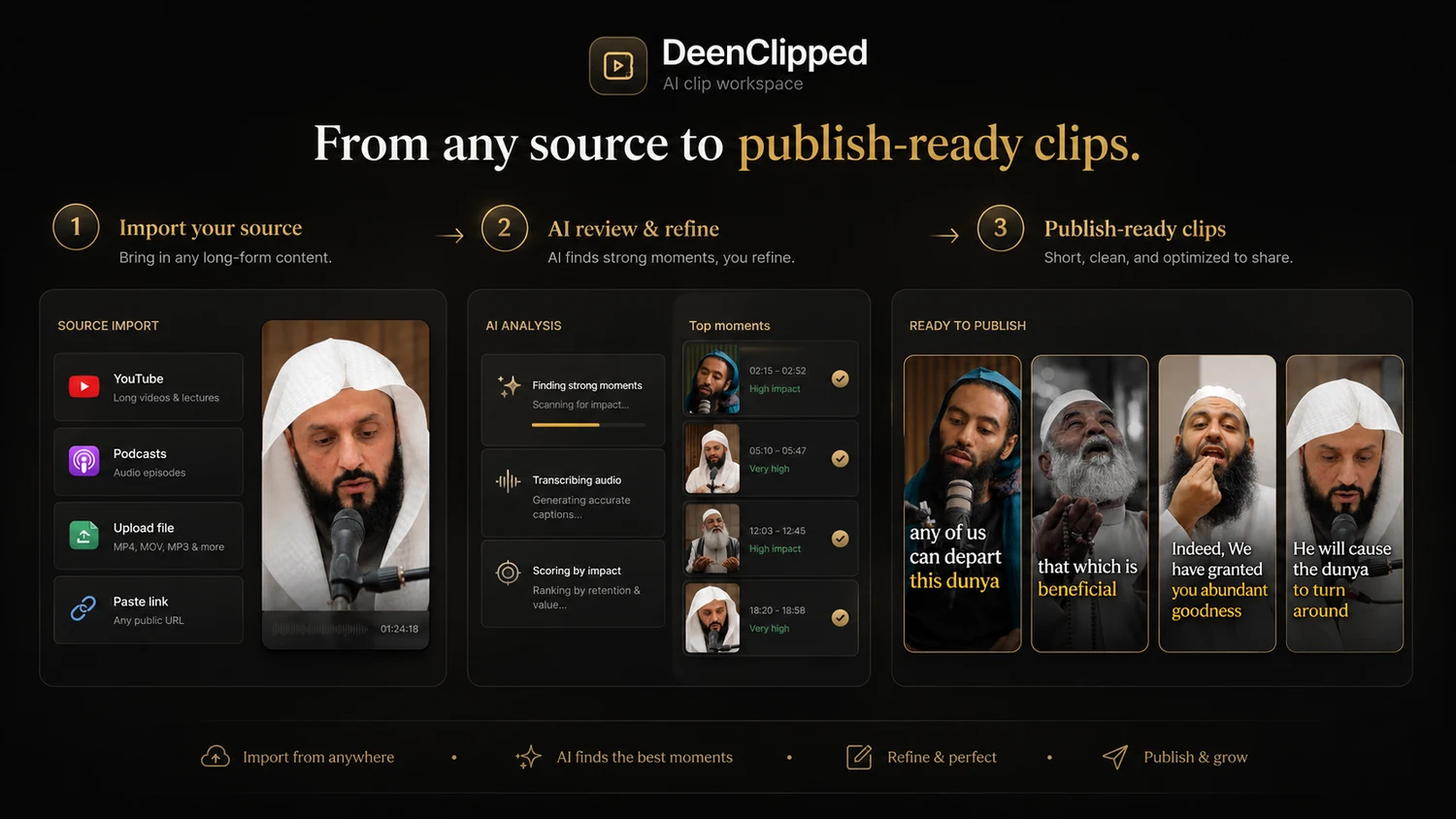
Paste a supported URL or upload a file, then process only the source minutes you choose.
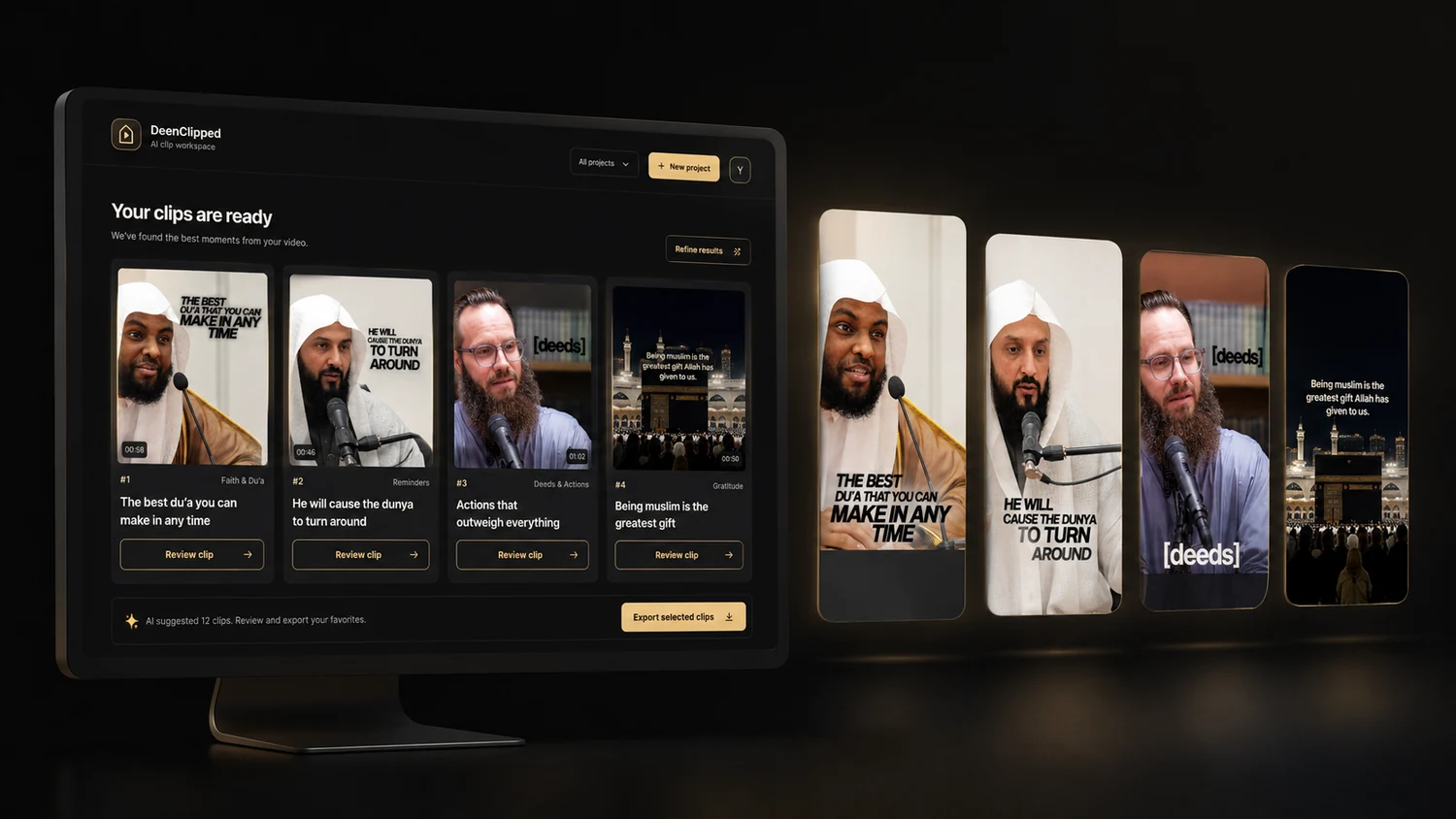
AI clip discovery
Find complete moments, rank them and explain why each candidate is worth reviewing.
Rendered review deck
Watch the actual file that will post, then approve, reject or skip by button or keyboard.
Multilingual captions
Switch between English, Arabic and translation treatment by segment when auto-detect is selected.
Five templates
Use Clean Line, Bold Stack, Headline, Mono Minimal or the Quran-specific treatment.
Vocal-only audio
Manage and rotate nasheed tracks while keeping them out of Quran recitation clips.
Performance and DeenAI
Work from measurable workflow results, with private AI advice on the highest tier.
Scheduling and automation
Approve manually or use score-based rules, then fill the next available posting windows.
Destination-level publishing
Connect your own accounts and see success, refusal and retry state separately for each destination.
Spend tokens on the source range, not every decision afterwards.
DeenClipped reads the duration before charging, downloads the selected stretch where the source permits it, and renders every candidate at full quality from the first pass. Cutting more clips from that processed source, ordinary re-renders and review actions do not charge the source minutes again.
 9:16
9:16 9:16
9:16English, Arabic and recitation are not treated as the same text.
With auto-detect, language can switch by segment inside the same lecture. Spoken Arabic receives Arabic captions with an English line beneath it. Recitation follows a separate Quran template that matches the ayah itself rather than trusting a rough transcript.
 Quran Recitation
 Multilingual
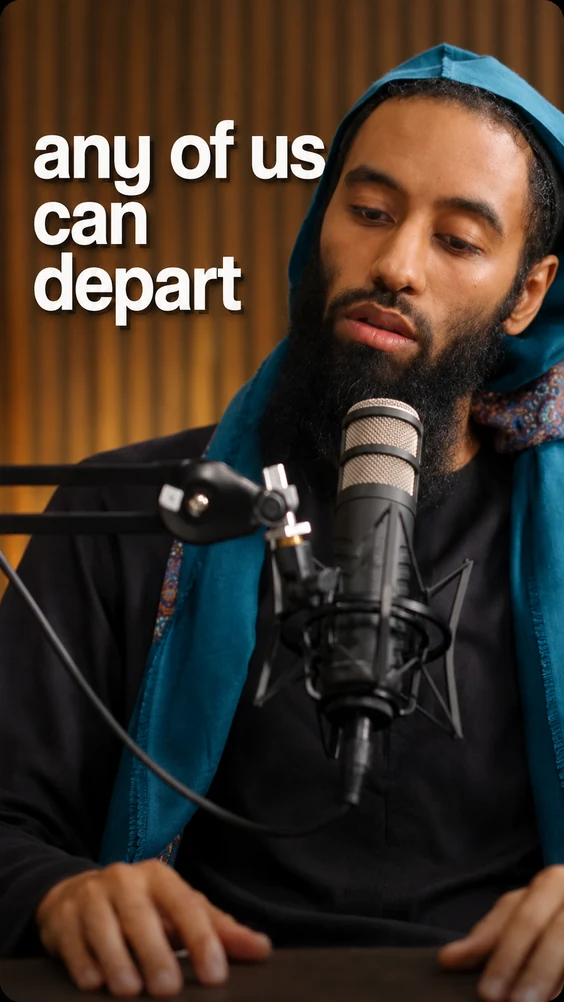
Five distinct looks, shown with realistic Islamic content.
Clean Line is included with Basic. Pro and Studio unlock the complete catalogue, including the Quran-specific treatment.
 Basic
BasicOne centred line low in the frame, designed to stay out of the lecture.
 Pro
ProLarge stacked words build behind the speaker and clear as the thought moves.
ProCinematic uppercase lines with the next phrase waiting quietly behind.
 Pro
ProA grainy monochrome grade with one quiet word at a time.
ProMatched ayah text in a mushaf face with its translation beneath it.
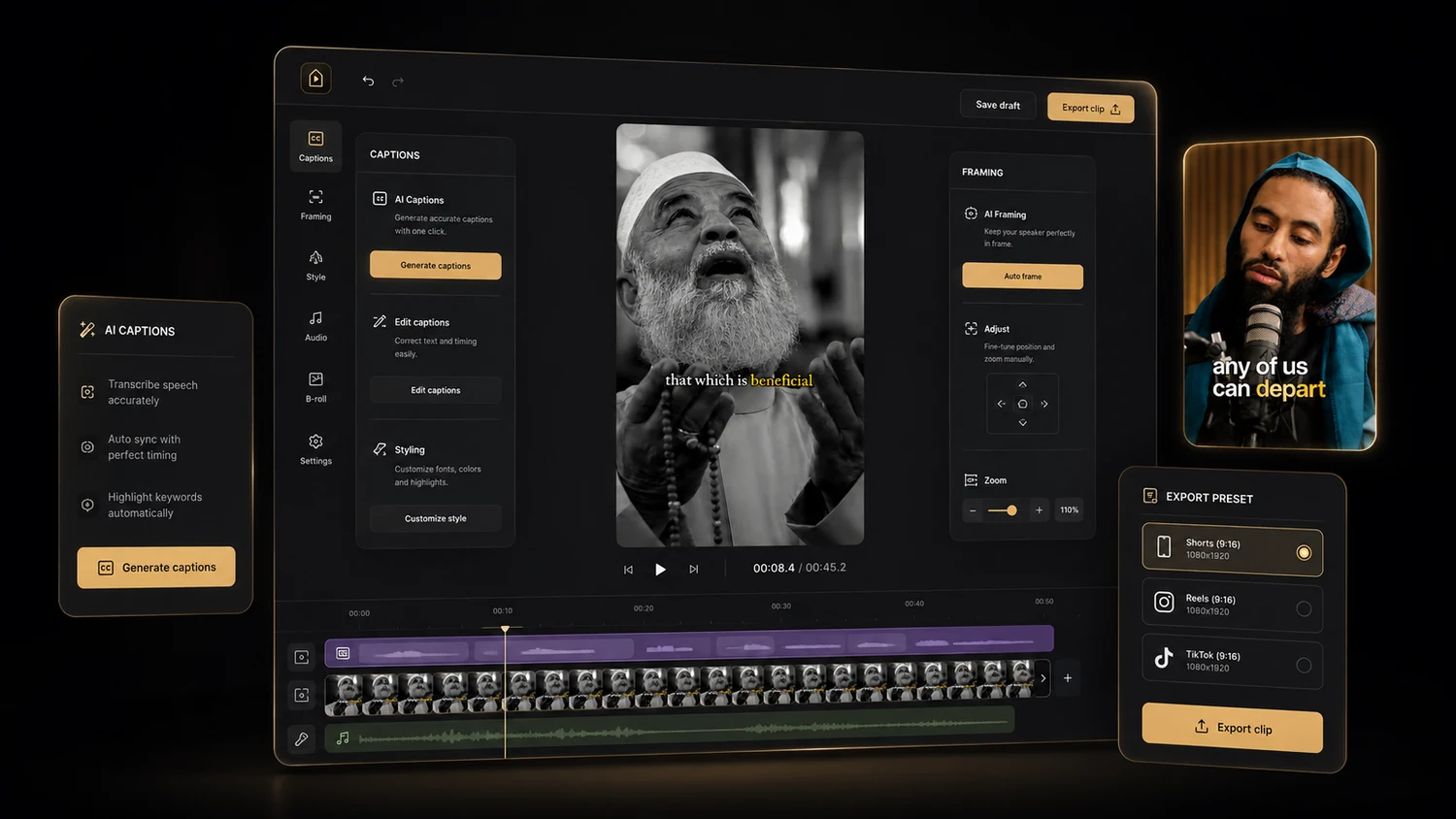
Trim, cut and retime on a real timeline. The frame-level editor is still a concept.
Open any clip from the queue: drag the handles to trim it, cut a section out of the middle, edit the caption words and drag the captions where you want them. Save renders the cut into the clip with the captions retimed word by word. Overlays, extra media and keyframes are not built — the preview below is a concept, and is labelled as one.
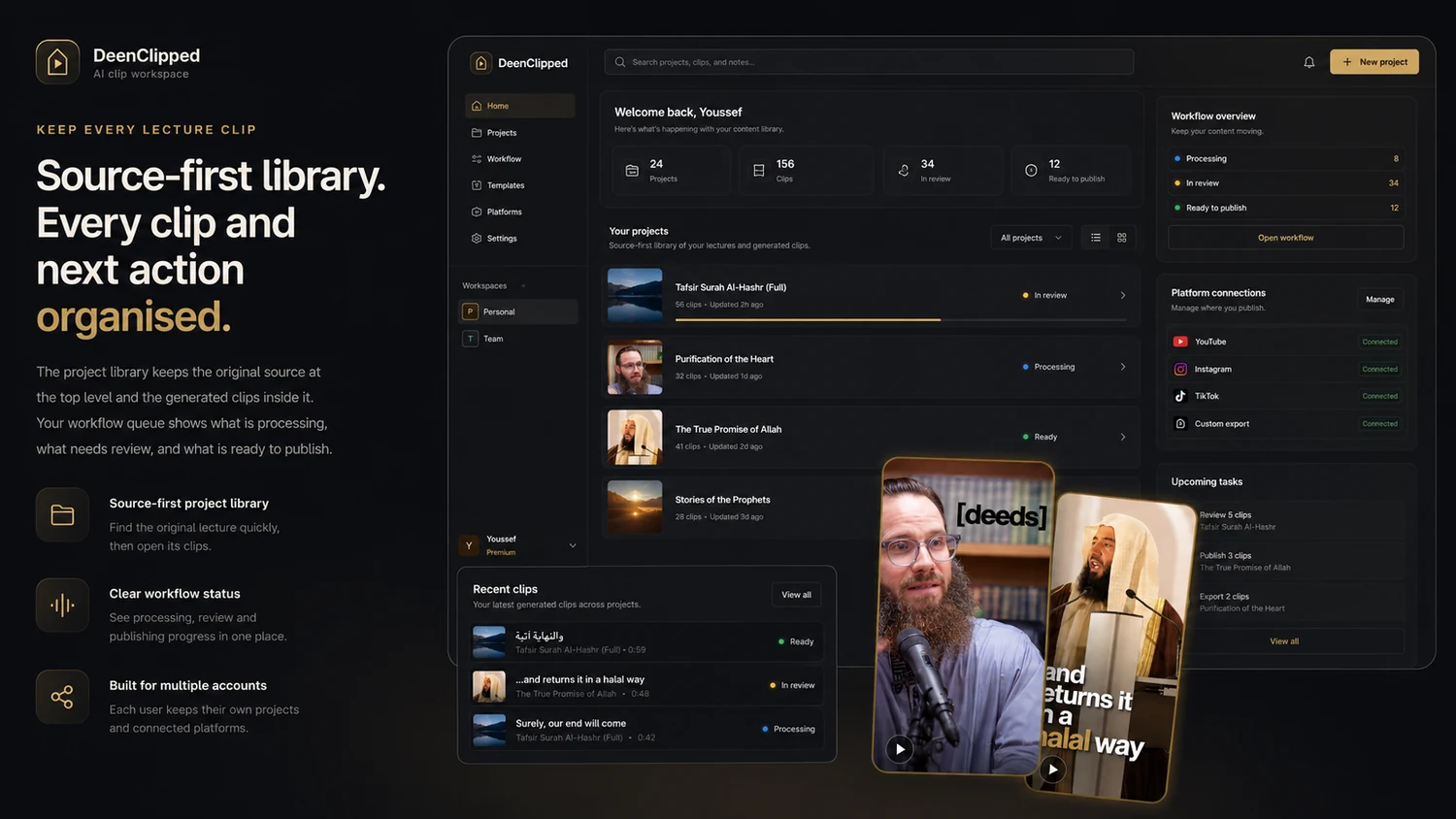
See the lecture, every clip and the next action without manufactured analytics.
The library keeps each source and its clips together, while operational status shows what is queued, processing, waiting for review, scheduled, posted or blocked. Performance reports what DeenClipped can prove from its own records instead of pretending to know social view counts it never fetched.
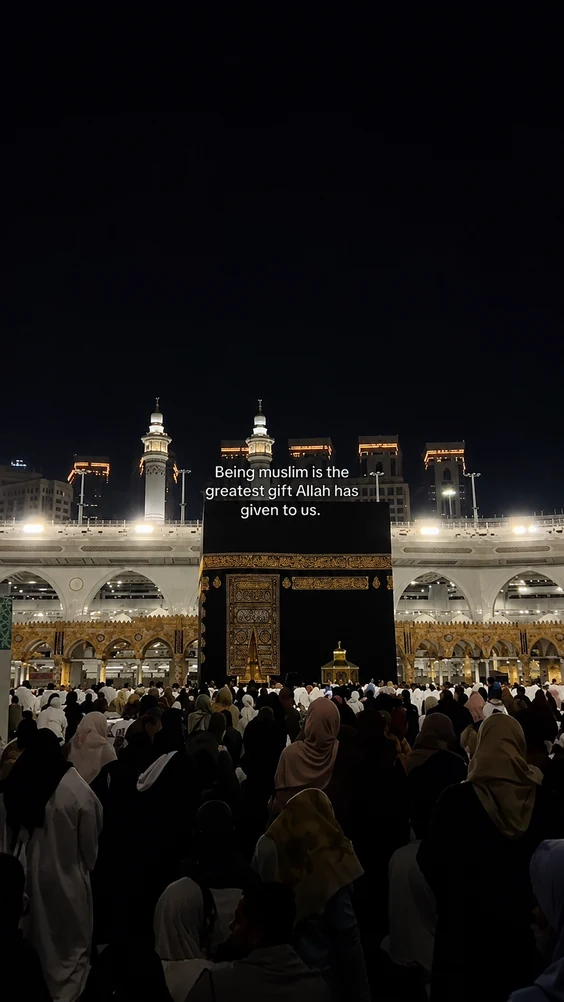 9:16
9:16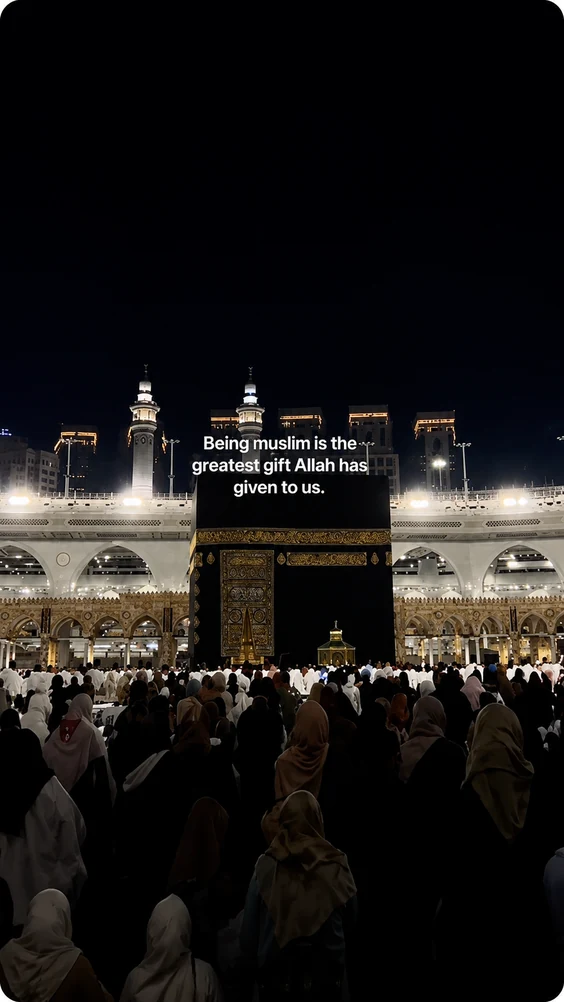 9:16
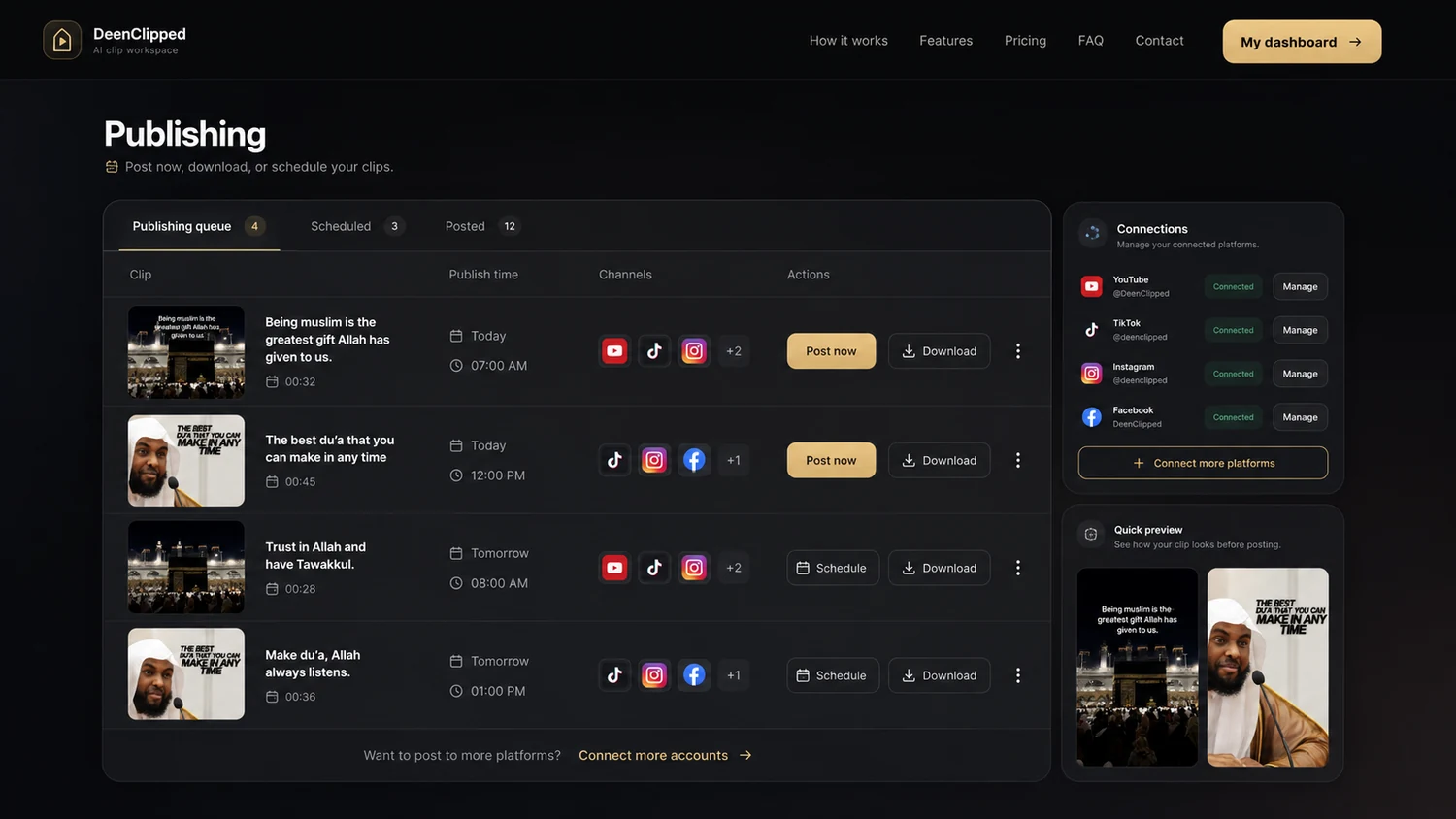
9:16One clip can succeed on one platform and need attention on another.
Approved clips can be downloaded, posted immediately or placed into publishing windows. Each destination keeps its own outcome, so a successful YouTube post is not filed as failed because TikTok refused—and retry targets only the failed leg.
Basic includes generation, review, automation and publishing.
Upgrade when you need every template, no watermark, DeenAI insights, private Ask, priority rendering or more daily posting windows.